
Repairs / Apple Mac Repair / MacBook Battery Replacement
Is your MacBook battery no longer lasting through the day, refusing to charge properly, or showing a “Service Recommended” message? Computer Gurus provides professional MacBook battery replacement in Tunbridge Wells for MacBook Air and MacBook Pro models.
Many customers assume a battery replacement means buying a new MacBook — in most cases, replacing the battery restores normal performance and battery life.
If your MacBook’s battery or case appears swollen, stop using and charging the device immediately and contact Computer Gurus for advice. Please do not press, puncture, bend or attempt to remove a swollen battery yourself.
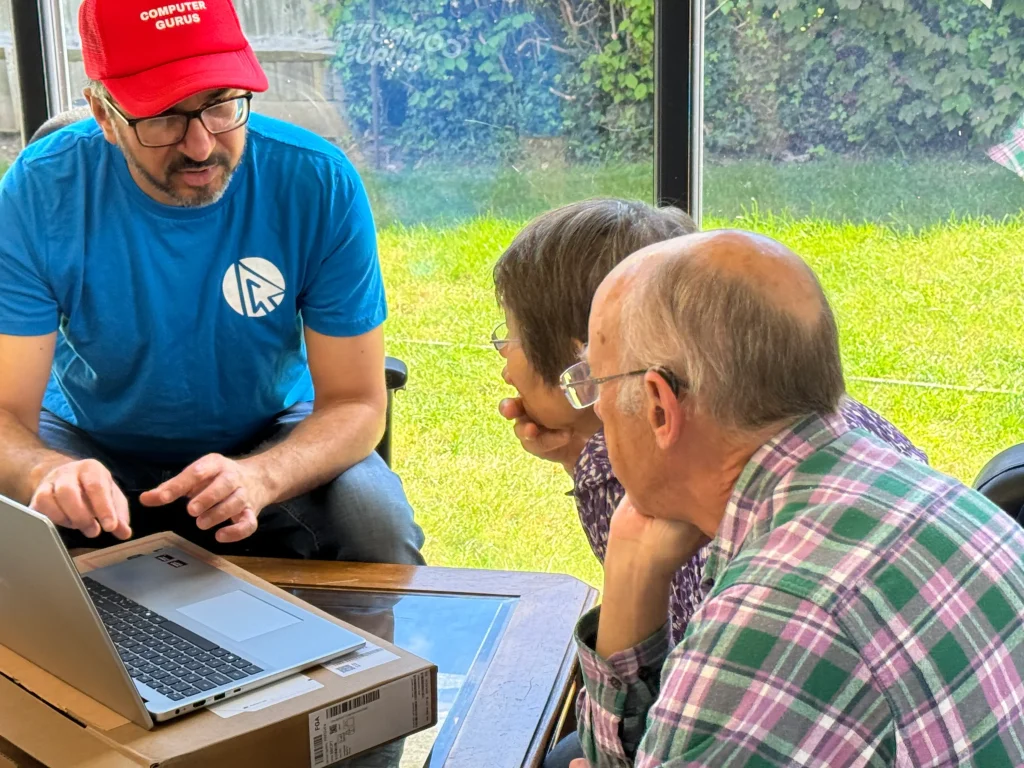
From a battery that no longer holds charge to a swollen case, we diagnose the problem before recommending any repair.
Battery replacement for compatible MacBook Air models, including Intel and Apple silicon generations.
Battery replacement for compatible MacBook Pro models, subject to model identification and parts availability.
Diagnosis to determine whether the battery, charger, charging port, power-management system or another fault is responsible.
Battery health and system checks to establish whether replacement is appropriate.
Diagnosis of macOS battery-health warnings and recommendations based on the Mac’s condition.
Safe assessment and replacement of swollen batteries. Customer safety is the priority.
Experienced independent computer repair business.
We check the battery before recommending any repair.
Every battery replacement is backed by our repair warranty.
Professional Mac and computer repair expertise.
Convenient for customers bringing in a MacBook.
8am–8pm, subject to our current opening hours.
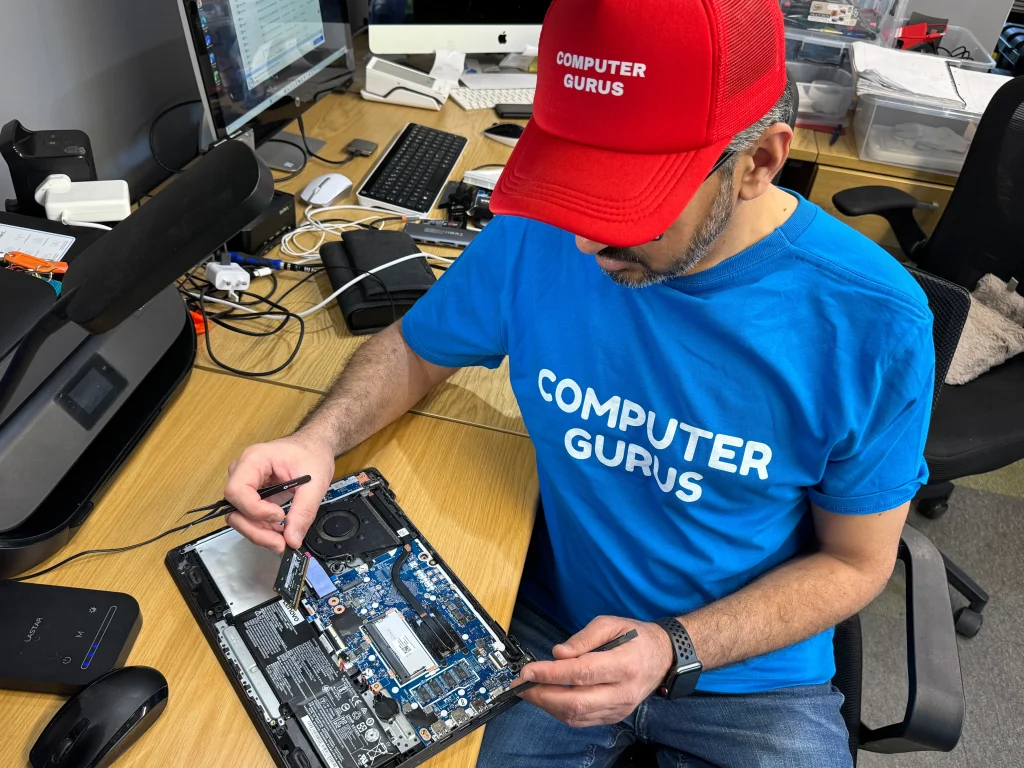
A clear, no-surprises process from booking to collection.
Book online, call, or contact Computer Gurus.
We identify your MacBook model and assess battery health.
You receive the recommendation and price before work proceeds.
The battery is replaced using the appropriate part for your model.
Charging, battery reporting and system operation are checked.
You’re notified as soon as your MacBook is ready.
We repair and replace batteries in a wide range of MacBook Air and MacBook Pro models, including Intel and Apple silicon Macs. Battery availability and repair method vary by model, so we identify your MacBook before confirming the repair. Get in touch with your model, year or serial number and we’ll confirm whether we can help.
Battery health naturally decreases with age and use. If your MacBook no longer lasts as long as it should, shows a battery service warning or is having charging problems, we can check the battery and advise whether replacement is the right solution.
See our full range of repair services, our MacBook Screen Repair page, or visit Computer Help for everyday tech support. Have a question first? Contact us — we’re happy to help.

GET A QUOTE & BOOK NOW!